Petal Health
Tools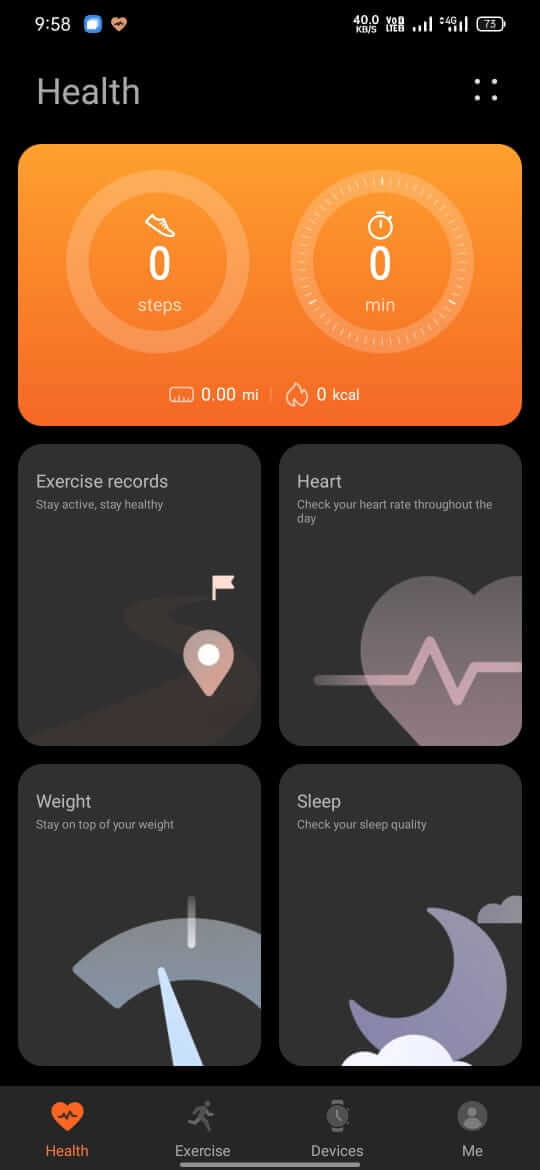
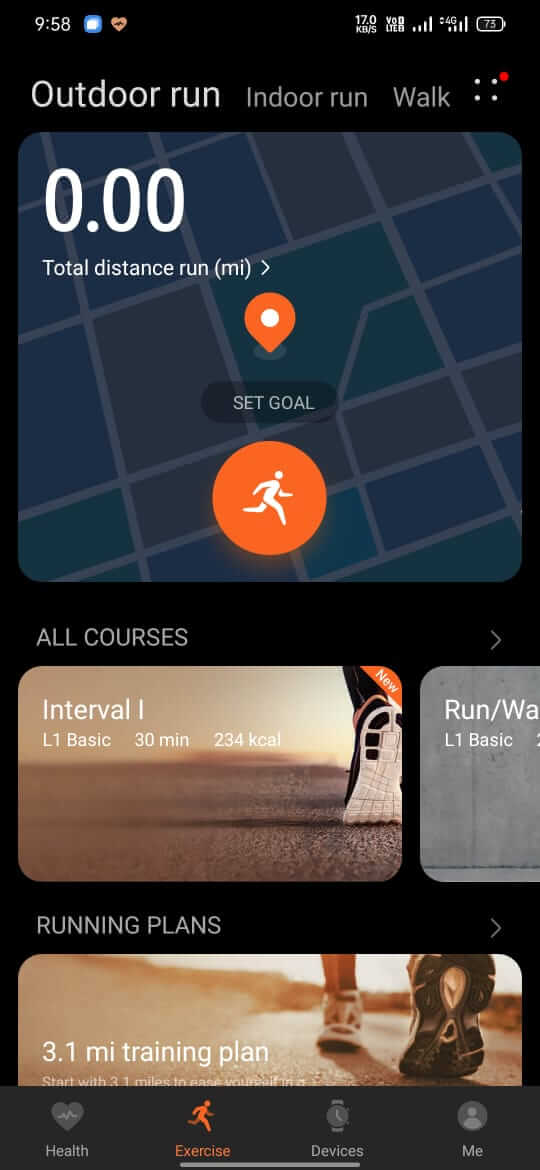
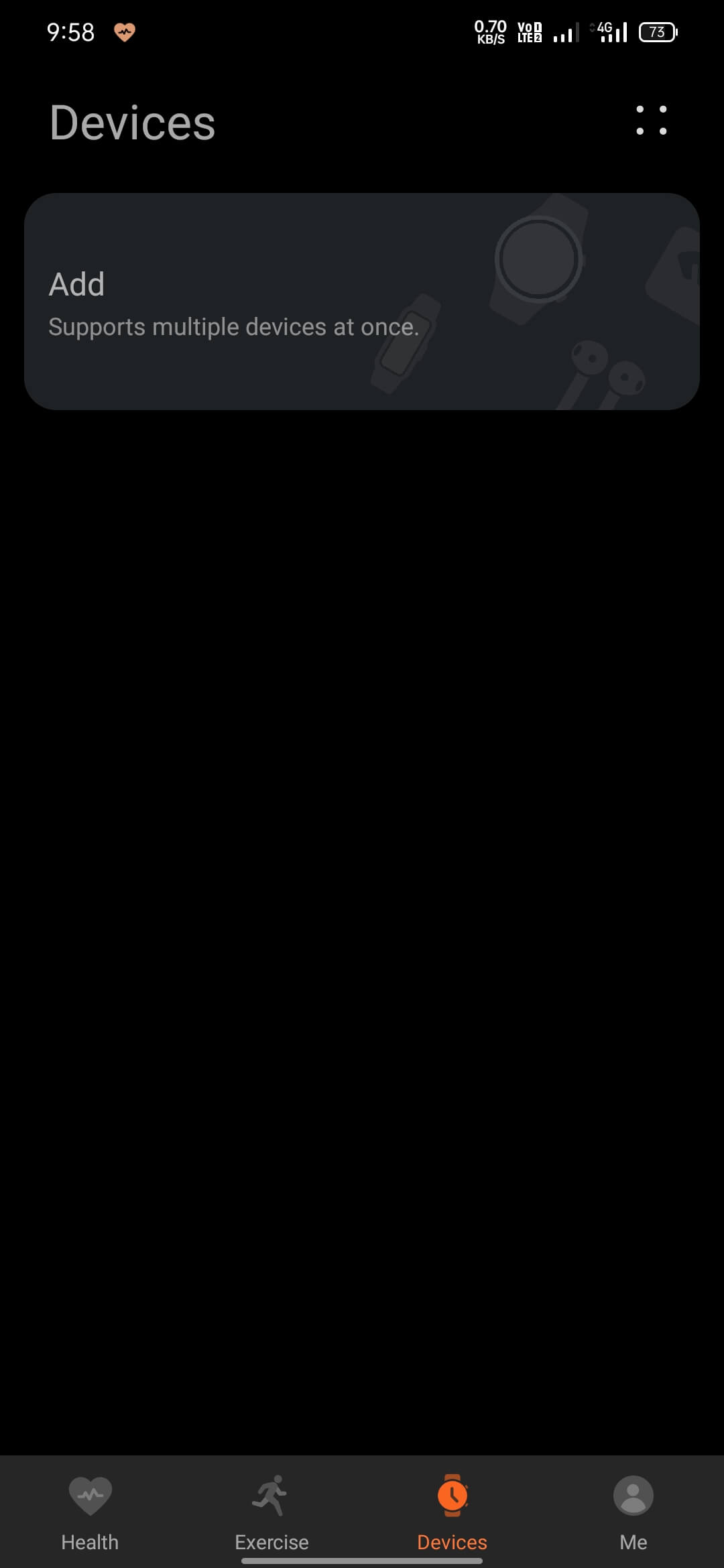
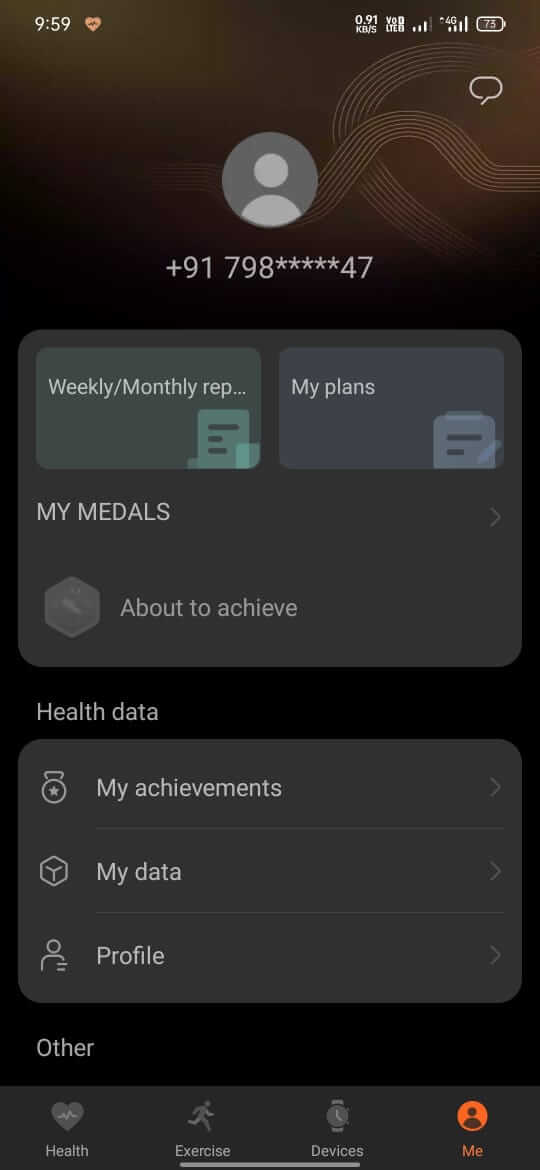
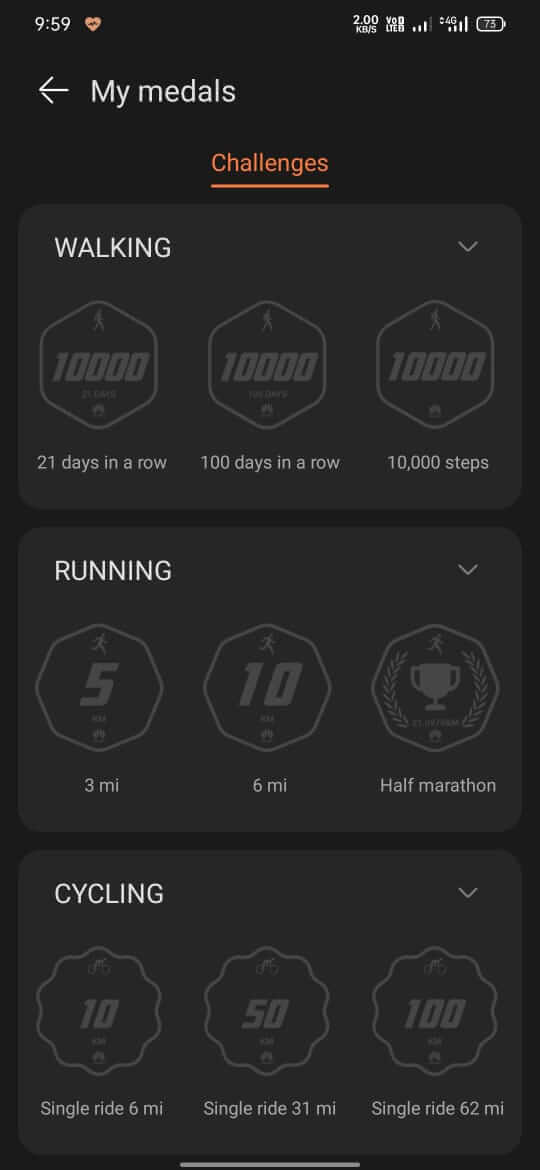

Petal Health is an Android health‑tracking app that brings exercise logging, wearable syncing, and basic sleep monitoring into one place. If you want a single tool to keep an eye on daily activity without juggling multiple apps, this page gives you everything you need to download and install the latest version.
The guide covers the app’s core purpose, step‑by‑step installation, common issues, and a quick comparison with other popular health apps. All information is based on the official package details.
Quick Information
| App/Game Name | Petal Health |
| Latest Version | 12.0.8.328 |
| Developer | Not listed |
| Category | Apps / Tools |
| App Size | 160.63 MB |
| Package Name | com.betterme.health |
| Last Updated | 19 January 2026 |
What Is Petal Health?
Petal Health (package com.betterme.health) is marketed as an all‑in‑one health solution for Android devices. Its primary functions include:
- Recording various exercises such as walking, running, and cycling.
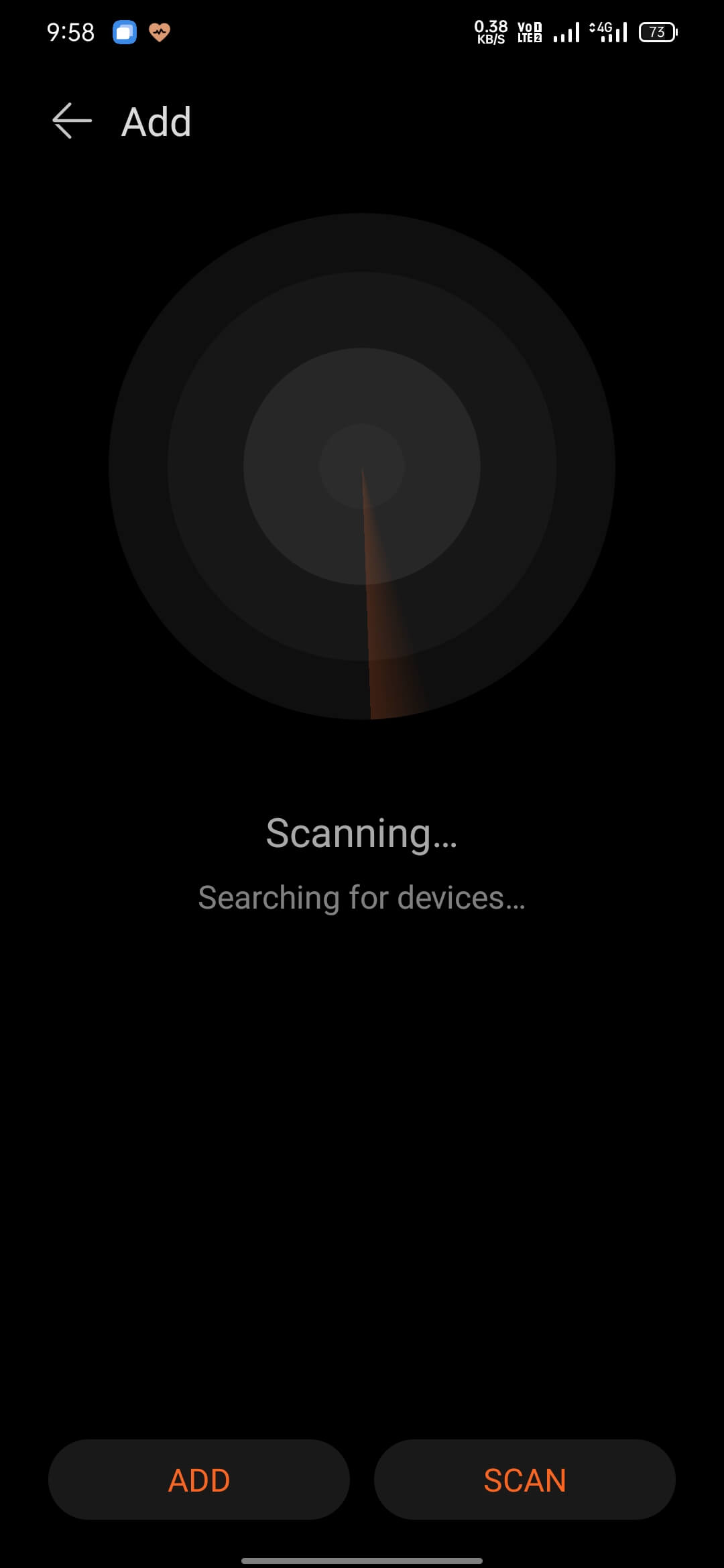
- Synchronising data from compatible wearable devices to keep health metrics up to date.
- Providing basic sleep tracking to help users understand rest patterns.
The app targets users who prefer a single dashboard for fitness and sleep data, especially those who already own wearables that can share information via Bluetooth or other standard protocols.
Compatibility
| Android Version | ✓ Verified — Android 6.0 and later |
| Architecture (ARM64 / 32-bit) | ✓ Verified — Supports common device architectures |
| Internet Connection | ✓ Verified — May be required for ads, updates, or login |
| Storage Needed | Not Verified |
| OBB/Data Files | Not Verified |
| Root Required | Not Verified |
How to Install
- Enable Unknown sources or Install unknown apps for the browser or file manager you will use (Settings → Apps → Special access → Install unknown apps).
- Download the
Petal Health.apkfile from a trusted source. - Locate the downloaded file in your device’s Downloads folder and tap it.
- Follow the on‑screen prompts to complete the installation.
- Open the app, grant the requested permissions (e.g., location, activity recognition), and start adding your wearable devices.
Troubleshooting
- App not installed – Verify that the APK matches the package name
com.betterme.healthand that your Android version meets the minimum requirement (usually Android 5.0+). Also, make sure the file isn’t corrupted. - Crashes on startup – Clear the app cache (Settings → Apps → Petal Health → Storage → Clear cache) and restart the device. If the problem persists, reinstall the APK.
- Wearable devices won’t sync – Ensure Bluetooth is on, the wearable is charged, and the app has the required location/activity permissions.
- Login or online‑account issues – Check your internet connection and confirm you are using the correct credentials. Reset the password if needed.
Safety & Security
Petal Health is a modified‑free release, but as with any third‑party APK, you should download it from a reputable source. Review the permissions the app requests; if it asks for access unrelated to health tracking (e.g., SMS, contacts), consider it a red flag. Keep a backup of your data before updating, as future releases may change data handling or require re‑pairing of wearables.
How Petal Health Compares
| Feature | Petal Health | Google Fit | Samsung Health | MyFitnessPal |
|---|---|---|---|---|
| Price / Model | Free | Free | Free (premium optional) | Free (premium optional) |
| Platform | Android | Android & iOS | Android & iOS | Android & iOS |
| Core Focus | Exercise logging + wearable sync + basic sleep | Activity tracking + Google ecosystem integration | Comprehensive health suite (activity, diet, sleep) | Nutrition & calorie counting, with activity support |
| Best for | Users wanting a simple, single‑app overview without ads | Google‑centric users who want seamless sync with services | Samsung device owners seeking deep integration | People focused on diet tracking and calorie budgeting |
Alternatives
- Google Fit – Free, integrates with Google services, supports a wide range of wearables.
- Samsung Health – Offers extensive health metrics, especially for Samsung devices, includes nutrition and stress tracking.
- MyFitnessPal – Strong focus on food logging and calorie counting, with basic activity tracking.
- Fitbit App – Ideal if you own a Fitbit device; combines activity, sleep, and heart‑rate data.
Final Verdict
Petal Health provides a straightforward way to log workouts, sync wearables, and monitor sleep without the clutter of ads or subscription tiers. It suits users who prefer a minimalist health dashboard on Android. Before installing, verify the APK’s source, check required permissions, and ensure your device runs a compatible Android version. If you need deeper nutrition tracking or broader ecosystem integration, consider the alternatives listed above.
Frequently Asked Questions
The app itself is not a MOD build, but always download the APK from a reputable source and review the permissions it requests before installing.
The exact minimum Android version is not listed; most health apps run on Android 5.0 (Lollipop) or newer, so ensure your device is at least that version.
Yes, the app is designed to manage wearable devices and sync health data, provided the device supports standard Bluetooth or compatible protocols.
It offers basic sleep tracking, which typically requires you to wear a compatible device while sleeping.
No. Installing the APK adds a new app; it does not uninstall or replace other health applications.
Common causes include a corrupted APK, mismatched package name, insufficient Android version, or disabled permission to install apps from unknown sources.
Initial setup and wearable syncing usually require internet, but basic activity logging can work offline and sync later.
Since this is an APK outside the Play Store, you’ll need to download and install newer versions manually when they become available.